Top Cloud Accounting Tools for Small Biz Success
Small Business, Cloud Accounting
Best Cloud Accounting Software: The Small Business Guide to Efficient Bookkeeping and Financial Management
By Cal Landry, Cal The Bookkeeper

With over 15 years of bookkeeping experience, Calicia Landry is an Intuit Quickbooks Platinum Level Pro Advisor and a Certified Intuit Quickbooks Payroll Pro Advisor. Her personalized approach focuses on building strong, long-term partnerships and understanding each business' unique needs. Connect with her on LinkedIn.
In the digital age, small businesses are increasingly turning to cloud-based accounting software to streamline their financial management processes. This guide explores the essential features, benefits, and options available in cloud accounting, helping small business owners make informed decisions. Cloud accounting software offers a range of advantages, including cost savings, improved accuracy, and enhanced accessibility, which are crucial for effective bookkeeping. As many small businesses struggle with traditional accounting methods, transitioning to cloud solutions can provide a significant boost in operational efficiency. This article will cover the key benefits of cloud accounting software, how it improves bookkeeping accuracy, the importance of real-time financial data, and the best software options available. For more detailed insights on setup and process design, see our article on how to set up small business bookkeeping.
📌 Key Takeaway: Moving to cloud accounting is not just a tech upgrade—it’s a strategic shift that can make your books more accurate, timely, and useful for everyday decisions.
Key Benefits of Cloud Accounting Software for Small Businesses
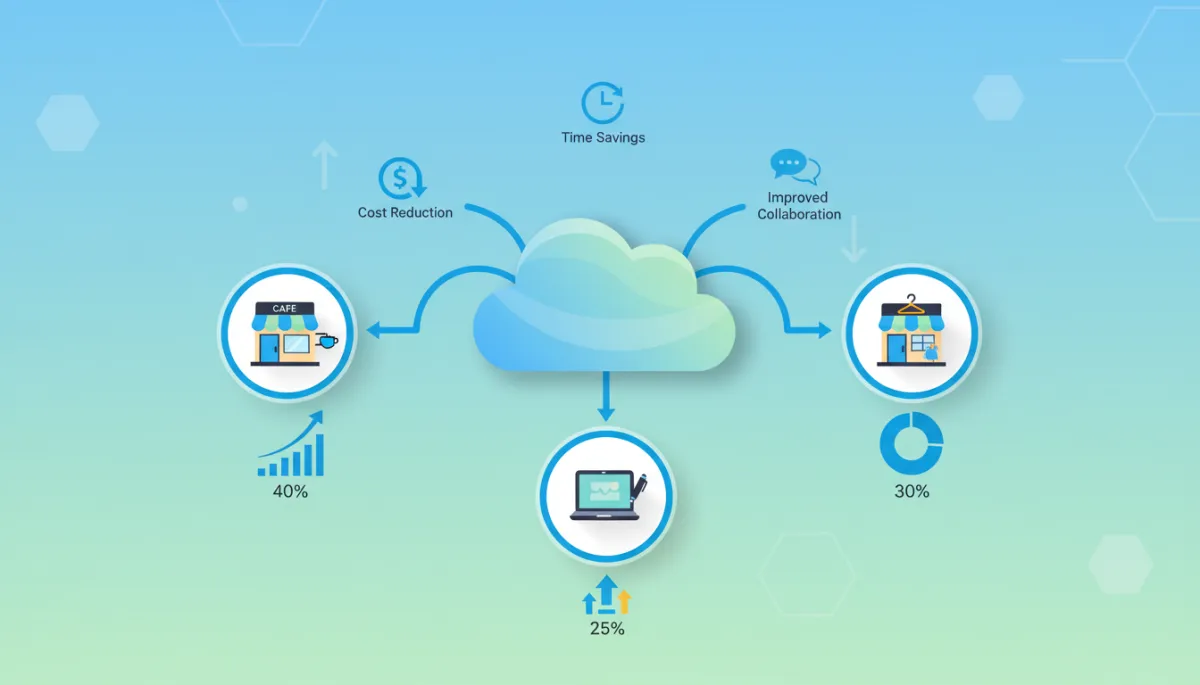
Cloud accounting software provides numerous advantages that can significantly enhance the financial management of small businesses. One of the primary benefits is cost savings, as it reduces the need for expensive hardware and IT support. Additionally, cloud accounting allows for accessibility from anywhere, enabling business owners to manage their finances remotely. Improved accuracy is another critical advantage, as automation minimizes human error in financial reporting and bookkeeping tasks.
“Cloud accounting has become a game changer for small firms by lowering upfront costs, improving data quality, and enabling real-time collaboration between owners and advisors.”
— Adapted from IFAC Small and Medium Practices Committee, 2023
For small business owners looking to optimize their financial management, consulting with professionals like Cal The Bookkeeper can provide tailored solutions that align with their specific needs. This professional bookkeeping service focuses on assisting small to medium-sized businesses with comprehensive financial management and bookkeeping solutions.
💡 Pro Tip: List your top 3 bookkeeping headaches—then evaluate cloud tools specifically on how well they solve those issues.
How Does Cloud Accounting Improve Bookkeeping Accuracy and Efficiency?
Cloud accounting enhances bookkeeping accuracy and efficiency through real-time access to financial data and automation of routine tasks. Business owners can access their financial information anytime, which allows for timely decision-making and corrections. Automation of tasks such as invoicing and expense tracking reduces the time spent on manual bookkeeping, leading to significant cost savings.
Moreover, the integration of cloud accounting with other business tools can further streamline operations. By automating repetitive tasks, businesses can focus on strategic activities that drive growth and profitability. If you’re comparing tools for automation, you may also find our guide to the best bookkeeping software for small businesses helpful.
Research indicates that cloud-based accounting solutions significantly contribute to improved financial management.
Cloud Accounting Software Boosts Small Business Efficiency
The findings revealed that cloud-based accounting software significantly enhanced financial management efficiency through improved accuracy, timeliness, and accessibility, with accuracy showing the highest positive influence.
IMPACT OF CLOUD-BASED ACCOUNTING SOFTWARE ON FINANCIAL MANAGEMENT EFFICIENCY IN SMALL FIRM BUSINESSES IN PORT HARCOURT, 2025
📌 Key Takeaway: The more of your process you automate—bank feeds, invoicing, bill pay—the fewer errors and delays you’ll see in your books.
Why Is Accessibility and Real-Time Financial Data Important for Small Business Owners?
Accessibility and real-time financial data are vital for small business owners as they enable timely decision-making and enhance financial visibility. With cloud accounting, business owners can monitor their financial health at any time, which is crucial for identifying trends and making informed decisions. This level of visibility also improves operational efficiency, as it allows for quick adjustments to business strategies based on current financial data.
The ability to access financial information remotely is particularly beneficial for businesses with employees working from different locations or those who travel frequently. This flexibility ensures that business owners are always in control of their financial management. To dive deeper into leveraging this visibility for planning, check out our post on cash flow management tips for small businesses.
“Real-time accounting information allows small business owners to respond quickly to cash flow pressures and market changes, improving survival rates in the first five years.”
— Paraphrased from Journal of Small Business and Enterprise Development, 2022
💡 Pro Tip: Make it a habit to review a simple dashboard—cash, receivables, payables—at least once a week.
Which Cloud Accounting Software Options Are Best for Small Business Bookkeeping?

When it comes to selecting the best cloud accounting software for small business bookkeeping, several options stand out. Here’s a comparison of some popular choices:
Software Pricing Range Key Features QuickBooks Online $30 to $180 per month Comprehensive financial reporting, invoicing, and expense tracking Xero $14 to $70 per month User-friendly interface, bank reconciliation, and inventory management Wave Free Basic accounting features, invoicing, and receipt scanning FreshBooks $17 to $60 per month Time tracking, invoicing, and project management
Each of these software options offers unique features that cater to different business needs, making it essential for small business owners to evaluate their specific requirements before making a choice. You can also explore our comparison of QuickBooks Online vs. Desktop for small businesses if you’re deciding between deployment models.
💡 Pro Tip: Start with a free trial and test: bank feeds, invoicing, reporting, and how easily your bookkeeper or CPA can log in.
How Can Small Businesses Transition Smoothly to Cloud Bookkeeping Services?

Transitioning to cloud bookkeeping services involves several key steps to ensure a smooth process. First, small businesses should assess their current bookkeeping needs to identify gaps and areas for improvement. Next, selecting the right cloud-based accounting software that aligns with these needs is crucial. Finally, providing adequate training for staff on the new software will facilitate a seamless transition and maximize the benefits of cloud accounting. For a step-by-step walkthrough of this process, read our guide on how to switch from spreadsheets to cloud bookkeeping.
Map your existing processes (invoicing, bill pay, payroll) before you move anything.
Choose a “go-live” date and lock prior periods to protect historical data.
Run systems in parallel for one or two cycles to catch any issues early.
By following these steps, small businesses can effectively integrate cloud accounting into their operations, leading to improved financial management and efficiency.
📌 Key Takeaway: Don’t rush the migration. A short overlap period and clear training plan will save you from messy data later.
How Does Integration with Tax Preparation and Automation Enhance Financial Management?
Integrating cloud accounting with tax preparation and automation can significantly enhance financial management for small businesses. Streamlined tax processes reduce the time and effort required for tax compliance, with improved accuracy in tax reporting minimizing the risk of errors and potential penalties. Additionally, automation saves business owners valuable time, allowing them to focus on core business activities rather than administrative tasks.
This integration not only simplifies the tax preparation process but also ensures that businesses remain compliant with current regulations, ultimately contributing to better financial health. For more on staying ready for year-end, see our article on the year-end bookkeeping checklist for small businesses.
“When accounting systems are integrated with tax and payroll applications, small businesses experience fewer filing errors and lower compliance costs.”
— Summarized from AICPA Tax Section Insights, 2023
💡 Pro Tip: Ask your tax professional which cloud systems integrate best with their software so data can flow directly into your returns.
How Secure and Compliant Are Cloud-Based Accounting Solutions for Small Businesses?
Security and compliance are paramount concerns for small businesses considering cloud-based accounting solutions. Most reputable cloud accounting software providers implement robust data protection measures, including encryption and regular security updates, to safeguard sensitive financial information. Additionally, these solutions often comply with regulatory standards, ensuring that businesses meet necessary legal requirements.
While cloud accounting systems offer significant advantages, their adoption can be hindered by concerns about data security and a lack of technical expertise.
Benefits and Barriers of Cloud Accounting for Small Businesses
The advent of cloud-based accounting systems (CBAS) offers a solution, providing small businesses with affordable, scalable, and efficient tools to manage their financial operations. However, despite their potential, the adoption of CBAS remains uneven, with many businesses hesitant due to perceived barriers like data security concerns and lack of technical knowledge.
articel
ANALYZING THE ADOPTION OF CLOUD-BASED ACCOUNTING SYSTEMS AND THEIR IMPACT ON SMALL BUSINESS EFFICIENCY, N Riana, 2024
Best practices for data safety include regular backups, strong password policies, and employee training on cybersecurity awareness. By adopting these measures, small businesses can confidently utilize cloud accounting solutions while protecting their financial data. If you’re evaluating providers, you may also want to review our post on key questions to ask before choosing a bookkeeper or accounting partner.
Further research delves into how cloud computing technologies influence the adoption of cloud accounting and its impact on corporate financial management, particularly addressing ongoing concerns about security, privacy, and regulatory compliance.
Cloud Computing's Impact on Financial Management and Accounting Adoption
This study examines how cloud computing technologies affect the adoption of cloud accounting and the resulting impact on corporate financial management. It addresses unresolved literature issues concerning security, privacy, legal compliance, and system integration, aiming for a unified theoretical and empirical understanding of cloud-based accounting.
The impact of cloud computing technology on cloud accounting adoption and financial management of businesses, 2025
📌 Key Takeaway: Combine your provider’s built-in protections with your own policies—strong passwords, limited user access, and regular reviews of who can see what.


